Plain text ages well
Every note is an ordinary .md file. Markdown adds structure without taking away the simplicity of plain text.
 Git NotebookPlain text, kept by GitComing to the App Store
GitHub × Markdown
Create a private GitHub repository and make it your life notebook. Write in Markdown, sync with GitHub, and keep full ownership of your data.
iPhone & iPad · Complete core features are free
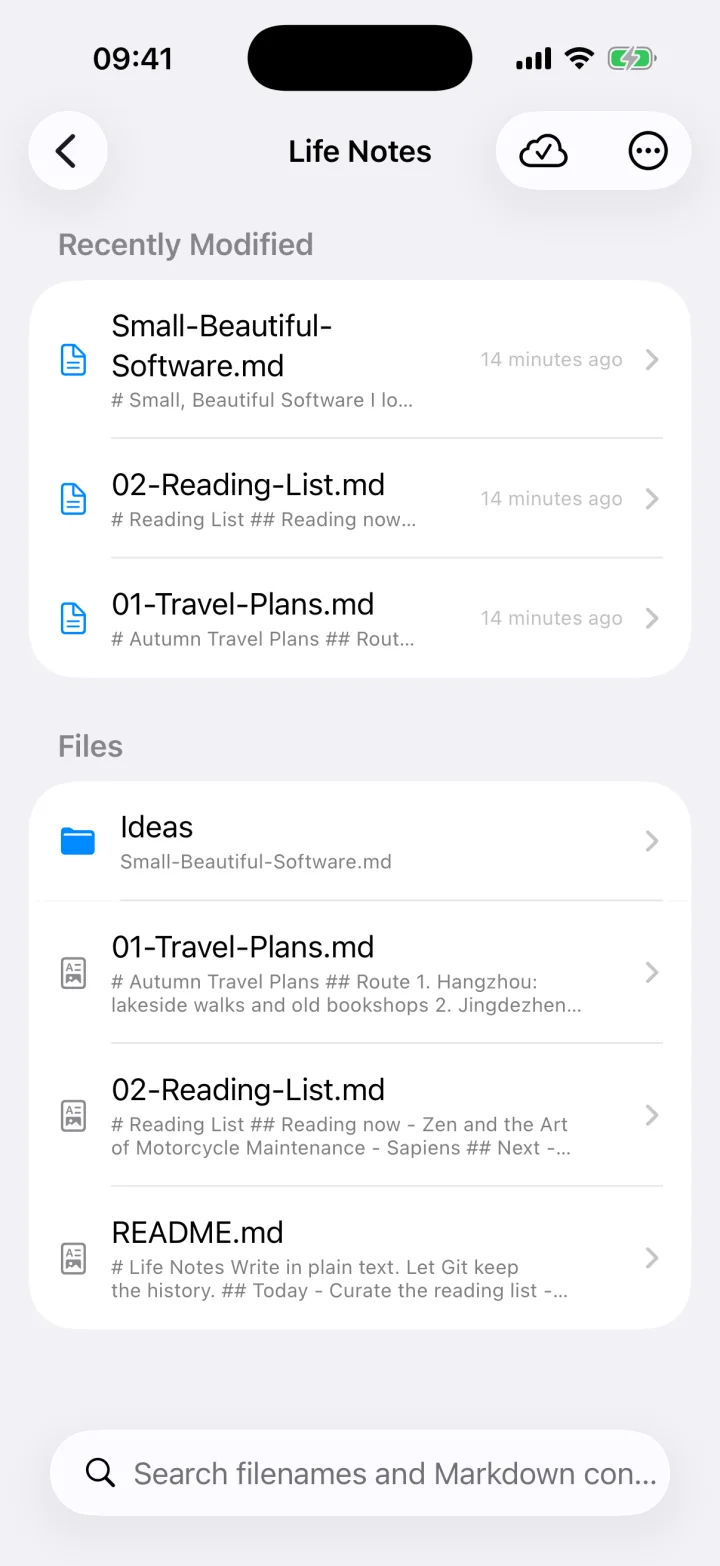
Standard filesOpen in any text editor
Private repositorySync, history, and copies
Local-firstYour notes never reach us
Why Git Notebook
Stop migrating from one notes app to the next. Tools come and go. Your writing should not be trapped in someone else's rich-text format.
The tool is temporary.
Your words should remain yours.
Every note is an ordinary .md file. Markdown adds structure without taking away the simplicity of plain text.
Your notes live in your private GitHub repository, and you can keep a complete copy on any computer at any time.
There is no notes server in between. Your device connects to GitHub, and your token stays in the iOS Keychain.
Not a trial
One complete GitHub notebook, with every core feature most people actually need.
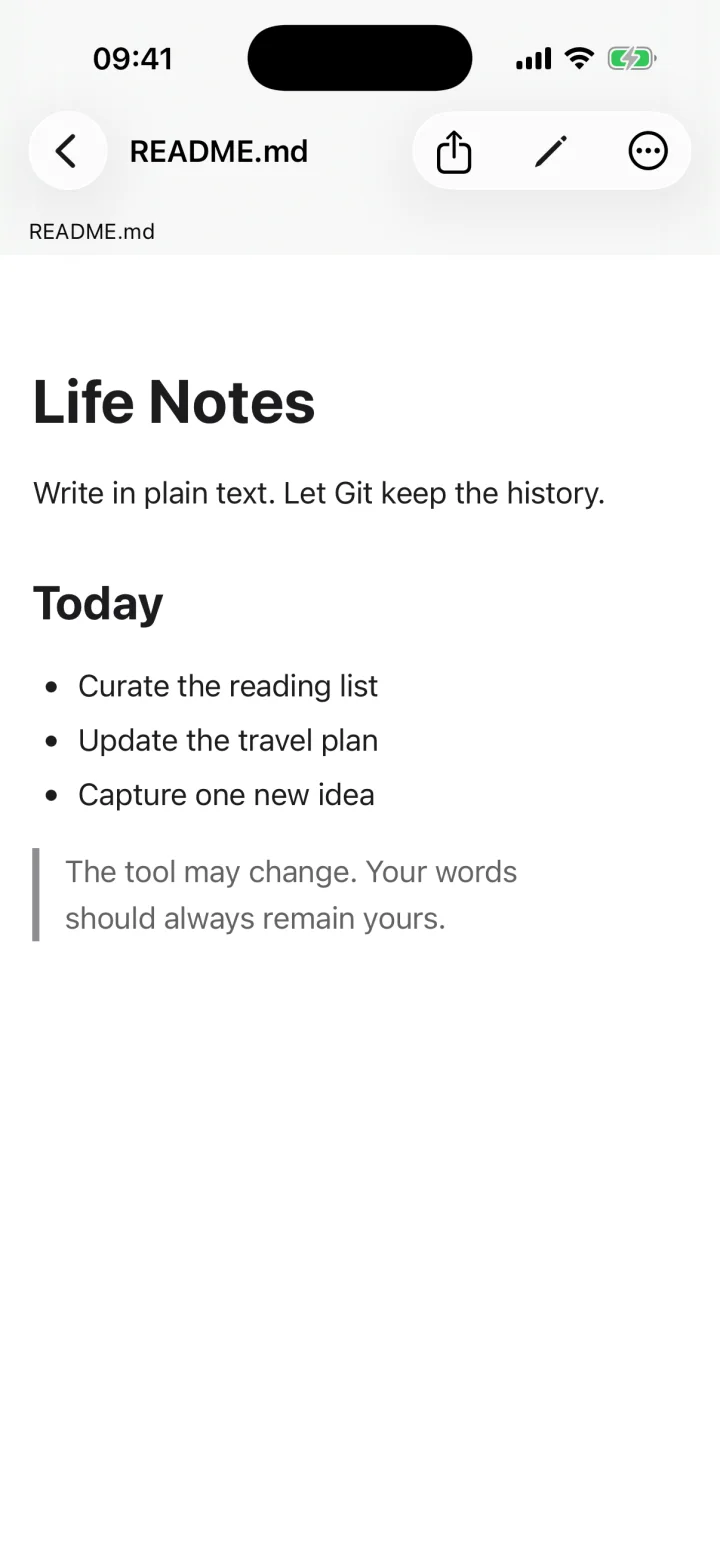
Git Notebook edits locally and connects your device directly to GitHub.
Use VS Code to edit and native Git to sync. No proprietary desktop client required.
Git NotebookWrite in plain text. Let Git keep the time.